Why Your Supabase Data Is Public (And How to Fix Missing Row Level Security)
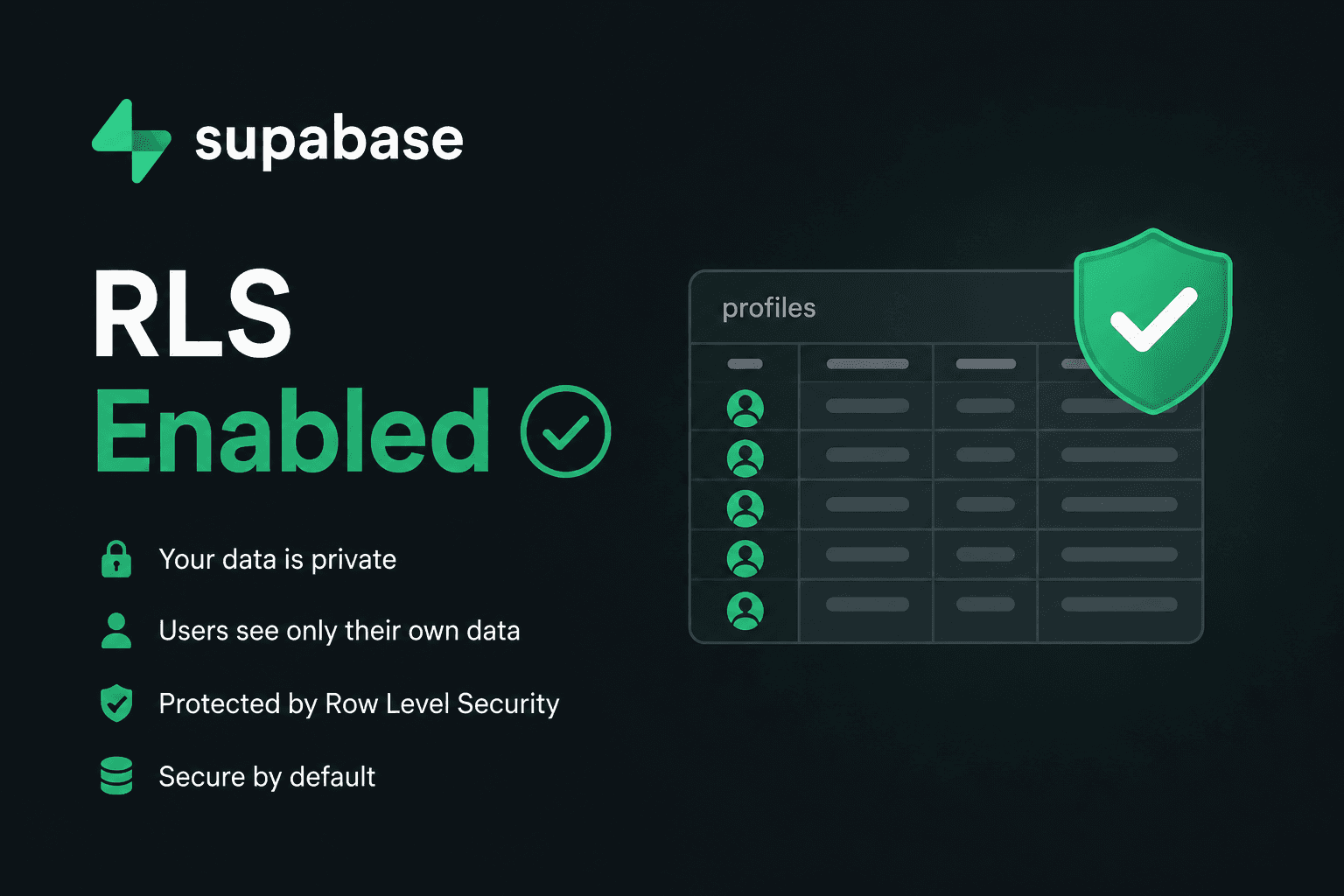
If you created a table in Supabase and started inserting data without explicitly enabling Row Level Security, your data is currently readable and writable by anyone who has your project's public anon key — which is embedded in your app's client-side JavaScript bundle, meaning anyone can find it. This is one of the most common mistakes developers make when starting with Supabase, and it's worth checking right now, not after something goes wrong.
What Row Level Security actually does
Supabase is built on Postgres, and by default, Postgres tables have no row-level access control — once you can connect to the database, you can query anything. Supabase's anon and authenticated API keys are designed to be public; they're meant to be used directly from the browser. The only thing standing between that public key and your entire dataset is Row Level Security (RLS) — a Postgres feature that lets you write policies controlling exactly which rows a given request is allowed to see or modify. If RLS isn't enabled on a table, none of that protection exists, regardless of how your frontend code is written.
How this actually happens
It's rarely intentional. You create a table from the Supabase dashboard's table editor, write a quick insert or select query from your Next.js app, see it work immediately, and move on. Supabase doesn't block you from querying a table with no RLS enabled — it just works, which feels like success. The problem only becomes visible when someone deliberately (or accidentally) queries your table with the anon key outside your app and gets back every row that exists.
Check whether you're affected
Run this in the Supabase SQL Editor to see which of your tables have RLS enabled:
select tablename, rowsecurity
from pg_tables
where schemaname = 'public';
If rowsecurity shows false for a table, that table currently has no row-level protection at all — every row is exposed to any request carrying a valid API key.
Fix it: enable RLS and write a policy
Enabling RLS on its own actually locks a table down completely — once enabled, no rows are accessible until you add policies explicitly allowing access. That's the safe default. Start here:
alter table public.reviews enable row level security;Then write a policy for each operation you actually want to allow. For example, letting anyone read reviews, but only allowing authenticated users to insert their own:
create policy "Public read access"
on public.reviews for select
using (true);

create policy "Users insert own review"
on public.reviews for insert
to authenticated
with check (auth.uid() = user_id);
The first policy makes reviews publicly readable, which is usually the intended behavior for something like a testimonials section. The second policy checks that the row being inserted has a user_id matching the currently authenticated user — so nobody can insert a review pretending to be someone else.
A related mistake worth avoiding at the same time
RLS policies only matter if you're connecting with the anon or authenticated key. The service role key bypasses RLS entirely by design, since it's meant for trusted server-side operations. If that key is ever used in client-side code — even accidentally, through an environment variable prefixed with NEXT_PUBLIC_ — every RLS policy you just wrote becomes irrelevant, since anyone can extract that key from your JavaScript bundle and bypass all of it. Keep the service role key exclusively inside server-only code — API routes, server actions — and never behind a public environment variable.
Quick checklist
- Run the RLS check query above against every table in your project, not just the ones you remember creating recently.
- Enable RLS on every table before writing any policies — it fails closed by default, which is the safe direction to fail in.
- Write one policy per operation (select, insert, update, delete) rather than one broad policy — it's easier to reason about and audit later.
- Confirm the service role key never appears in any environment variable prefixed for client-side exposure.